Upon installation >> Vtupress:
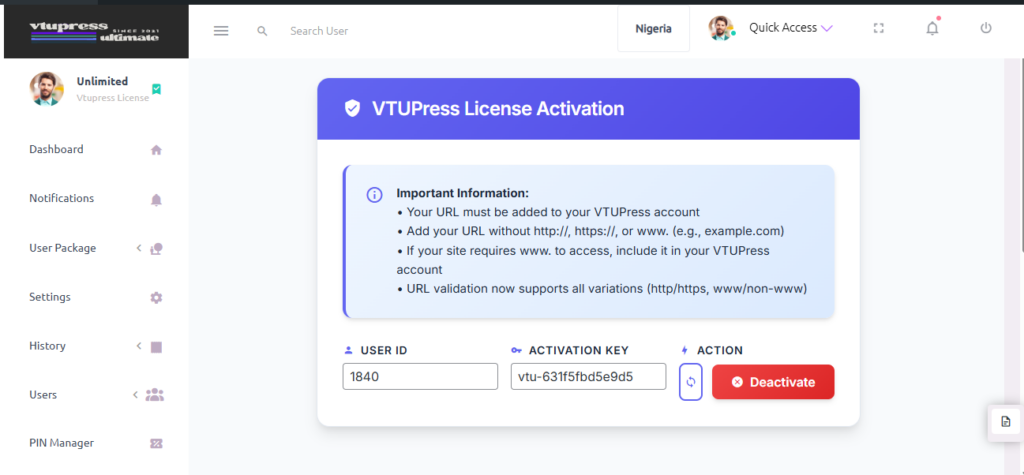
You’d always be redirected here for activation if you have an inactive license, Your User ID and the Activation Key can be retrieved from your account dashboard with us.

< 1 min read
Upon installation >> Vtupress:
You’d always be redirected here for activation if you have an inactive license, Your User ID and the Activation Key can be retrieved from your account dashboard with us.
Powered by BetterDocs


